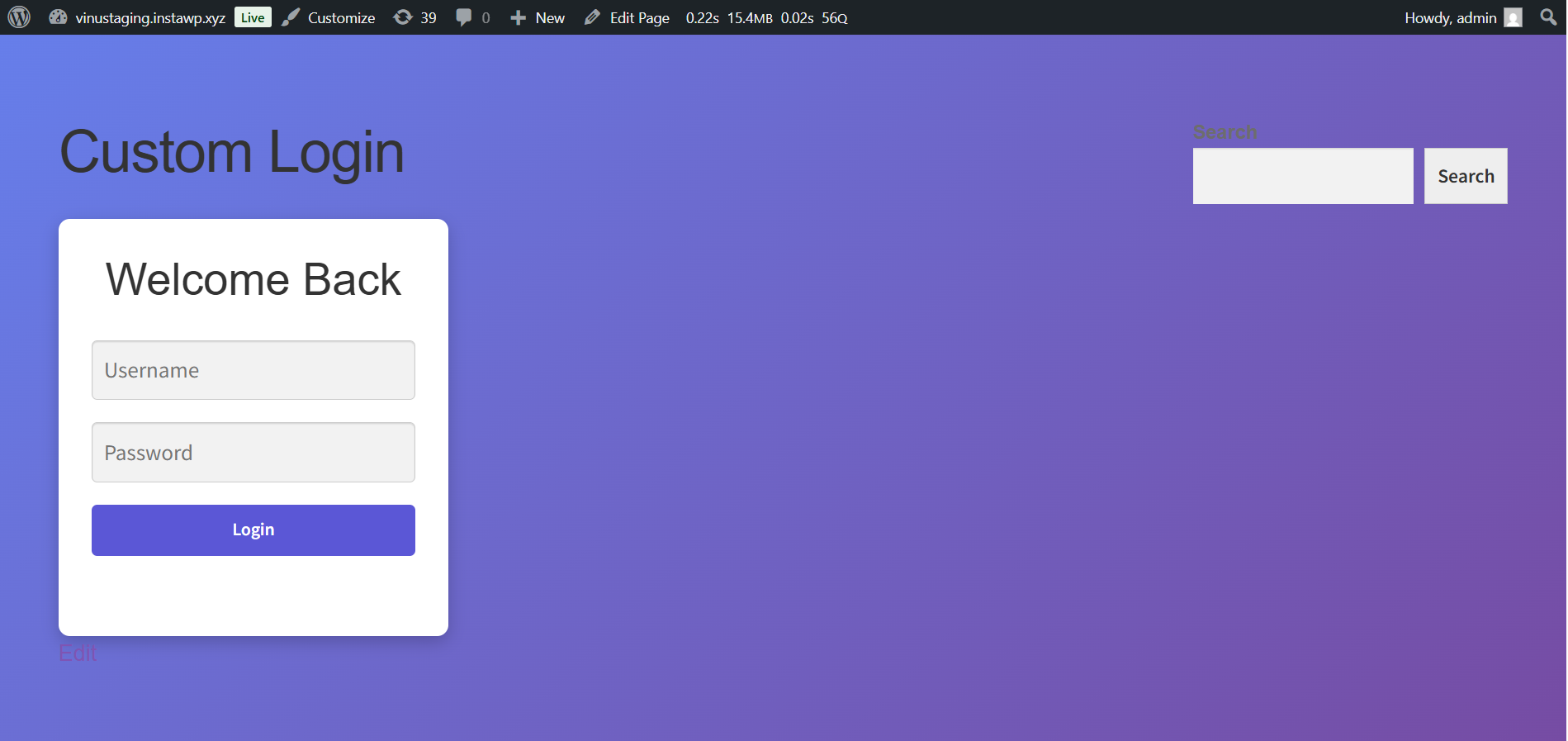
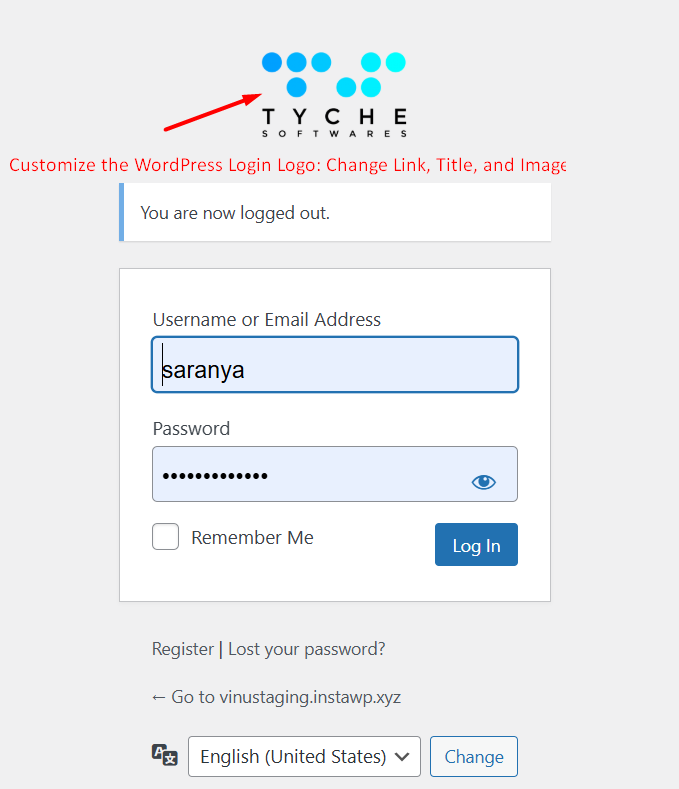
The provided code customizes the WordPress login page in the following ways:
- Changes the Login Logo URL to anything it is set in the code.
- Modifies the hover text that appears when the user hovers over the login page logo. It will dynamically display the site’s name as the tooltip text.
- Replaces the default WordPress login logo with a custom image.
// Customize the login page logo URL (link) and title (tooltip text)
add_filter('login_headerurl', 'ts_customize_login_logo_url');
function ts_customize_login_logo_url() {
    // Set the logo URL explicitly to Tyche Softwares website
    return 'https://www.tychesoftwares.com/';
}

// Customize the login page logo title (hover tooltip text)
add_filter('login_headertext', 'ts_customize_login_logo_title');
function ts_customize_login_logo_title() {
    // Dynamically retrieve and return the website name for the tooltip
    return get_bloginfo('name');
}

// Customize the login page logo image and add title attribute
add_action('login_head', 'ts_customize_login_logo_image');
function ts_customize_login_logo_image() { ?>
    <style>
        .login h1 a {
            /* Replace with the URL of the new logo image */
            background-image: url('https://vinustaging.instawp.xyz/wp-content/uploads/2024/10/new_logo-300x190-1.png') !important;
            background-size: contain;
            width: 100%;
            height: 80px; /* Adjust height as needed */
            background-repeat: no-repeat;
        }
    </style>
    <script>
        document.addEventListener('DOMContentLoaded', function() {
            var logoLink = document.querySelector('.login h1 a');
            if (logoLink) {
                // Set the title attribute dynamically to the site's name
                logoLink.setAttribute('title', '<?php echo get_bloginfo("name"); ?>');
                // Open link in a new tab
                logoLink.setAttribute('target', '_blank');
            }
        });
    </script>
<?php }