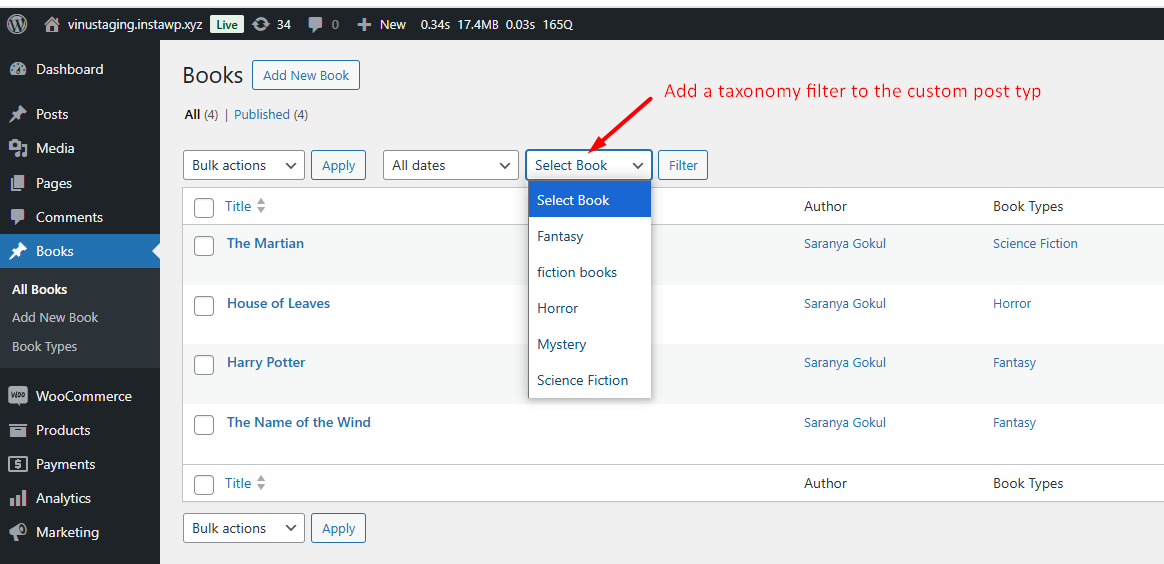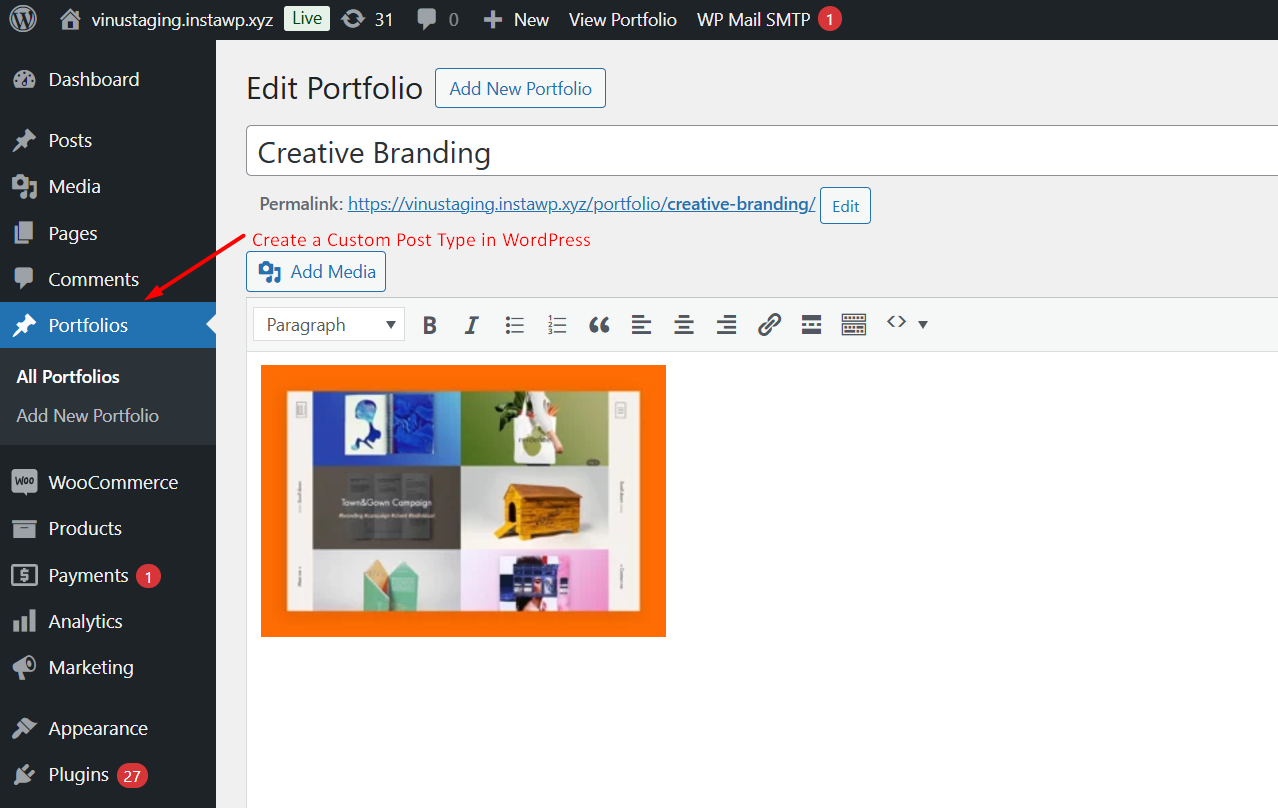
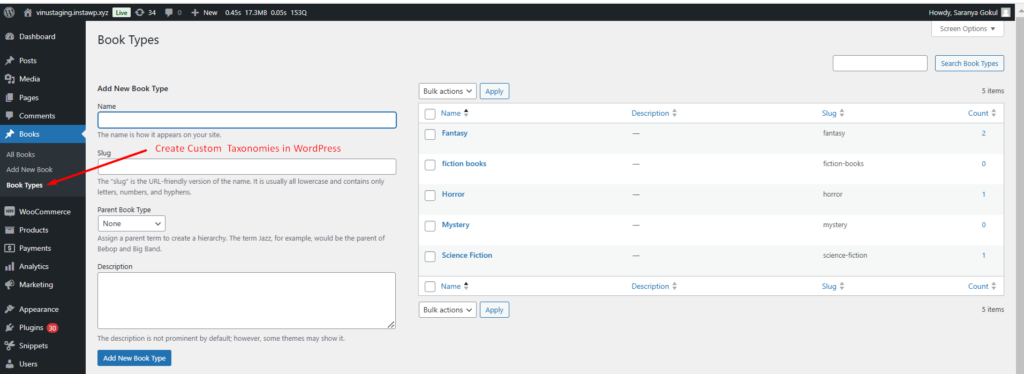
Custom post types and taxonomies in WordPress allow you to organize content beyond the default posts and pages. If you’re managing a book collection, a custom post type like “Book” can help structure your content, while a custom taxonomy like “Book Types” enables categorization (e.g., Fiction, Non-Fiction, Sci-Fi).
In this guide, we’ll show you how to register a custom post type and create a custom taxonomy in WordPress using code.
/**
 * Register a custom post type called "book".
 *
 */
function ts_register_book_post_type() {
    $labels = array(
        'name'                  => _x( 'Books', 'Post type general name', 'textdomain' ),
        'singular_name'         => _x( 'Book', 'Post type singular name', 'textdomain' ),
        'menu_name'             => _x( 'Books', 'Admin Menu text', 'textdomain' ),
        'name_admin_bar'        => _x( 'Book', 'Add New on Toolbar', 'textdomain' ),
        'add_new'               => __( 'Add New', 'textdomain' ),
        'add_new_item'          => __( 'Add New Book', 'textdomain' ),
        'new_item'              => __( 'New Book', 'textdomain' ),
        'edit_item'             => __( 'Edit Book', 'textdomain' ),
        'view_item'             => __( 'View Book', 'textdomain' ),
        'all_items'             => __( 'All Books', 'textdomain' ),
        'search_items'          => __( 'Search Books', 'textdomain' ),
        'parent_item_colon'     => __( 'Parent Books:', 'textdomain' ),
        'not_found'             => __( 'No books found.', 'textdomain' ),
        'not_found_in_trash'    => __( 'No books found in Trash.', 'textdomain' ),
        'featured_image'        => _x( 'Book Cover Image', 'textdomain' ),
        'set_featured_image'    => _x( 'Set cover image', 'textdomain' ),
        'remove_featured_image' => _x( 'Remove cover image', 'textdomain' ),
        'use_featured_image'    => _x( 'Use as cover image', 'textdomain' ),
        'archives'              => _x( 'Book archives', 'textdomain' ),
        'insert_into_item'      => _x( 'Insert into book', 'textdomain' ),
        'uploaded_to_this_item' => _x( 'Uploaded to this book', 'textdomain' ),
        'filter_items_list'     => _x( 'Filter books list', 'textdomain' ),
        'items_list_navigation' => _x( 'Books list navigation', 'textdomain' ),
        'items_list'            => _x( 'Books list', 'textdomain' ),
    );

    $args = array(
        'labels'             => $labels,
        'public'             => true,
        'publicly_queryable' => true,
        'show_ui'            => true,
        'show_in_menu'       => true,
        'query_var'          => true,
        'rewrite'            => array( 'slug' => 'book' ),
        'capability_type'    => 'post',
        'has_archive'        => false,
        'hierarchical'       => false,
        'menu_position'      => null,
        'supports'           => array( 'title', 'editor', 'author', 'thumbnail', 'excerpt', 'comments' ),
        'show_in_rest'       => true,
        'rest_base'          => 'books',
    );

    register_post_type( 'book', $args );
}

add_action( 'init', 'ts_register_book_post_type' );

/**
 * Create taxonomy for Book Types
 */
function ts_register_book_taxonomy() {
    $labels = array(
        'name'              => _x( 'Book Types', 'taxonomy general name', 'textdomain' ),
        'singular_name'     => _x( 'Book Type', 'taxonomy singular name', 'textdomain' ),
        'search_items'      => __( 'Search Book Types', 'textdomain' ),
        'all_items'         => __( 'All Book Types', 'textdomain' ),
        'parent_item'       => __( 'Parent Book Type', 'textdomain' ),
        'parent_item_colon' => __( 'Parent Book Type:', 'textdomain' ),
        'edit_item'         => __( 'Edit Book Type', 'textdomain' ),
        'update_item'       => __( 'Update Book Type', 'textdomain' ),
        'add_new_item'      => __( 'Add New Book Type', 'textdomain' ),
        'new_item_name'     => __( 'New Book Type Name', 'textdomain' ),
        'menu_name'         => __( 'Book Types', 'textdomain' ),
    );

    $args = array(
        'hierarchical'      => true,
        'labels'            => $labels,
        'show_ui'           => true,
        'show_admin_column' => true,
        'query_var'         => true,
        'rewrite'           => array( 'slug' => 'book-type' ),
    );

    register_taxonomy( 'book_type', array( 'book' ), $args );
}

add_action( 'init', 'ts_register_book_taxonomy' );
Related Posts: